
Test drives and service bookings: answering calls at a car dealership
How a car dealership can answer both sales and service calls with an AI receptionist: booking test drives and service visits, answering from approved facts, transferring the calls that can’t wait and taking clear callback requests for the rest.
Two kinds of callers on one line
A dealership phone rings for two very different reasons. One caller saw a car on your website and wants to drive it on Saturday. The next has a warning light on the dashboard and wants to know when the service department can look at it.
Both calls matter, and both tend to arrive when your people are busy. Salespeople are with customers on the lot, service advisors are at the drop-off lane, and the person at reception is handing over keys. A caller who wanted a test drive and reached voicemail may well book one at another dealership.
An AI receptionist doesn’t replace your sales or service team. It answers every call, handles the parts that follow a clear pattern, and passes the rest to the right person with the details already written down.
Sales calls: what the receptionist can handle
WiseUnit answers your number 24 hours a day and works from the facts, website pages and documents you add and approve. For sales callers, that covers a lot of the first conversation.
- Booking a test drive. With Google Calendar, Calendly or Cal.com connected, it offers a free slot and confirms only once the booking exists.
- Opening hours of the showroom, which can differ from the service department’s.
- Which brands and types of vehicles you sell, as you describe them in your facts.
- What to bring to a test drive, such as a driver’s license, and how long it usually takes.
- How trade-ins work at your dealership in general terms, for example that you appraise the car on site.
What goes to your sales team
Some questions need a person who knows today’s stock and today’s numbers. The receptionist doesn’t look into your inventory or dealer management system, so it won’t confirm that a specific car is still on the lot. It also shouldn’t guess a trade-in value or a monthly payment.
For those calls it records a callback request with the reason, the caller’s preferred callback time and a priority. In your instructions, tell it what to ask for, such as the model or stock number from your website, whether the caller has a car to trade in and how soon they want to buy. Your salesperson then calls back already knowing what the conversation is about.
Service calls: bookings and the usual questions
Service calls are often more routine, which makes them a good fit for the receptionist.
For a full guide to status calls, read “Is my car ready?” Handling status calls at your auto shop.
- Booking a service visit or an inspection into the calendar your service team uses.
- Drop-off and pickup times, and whether there is a key drop box.
- Your loaner or shuttle policy, if you have one.
- Typical times for common jobs, using the estimates you provide.
- Questions about a car already in the shop, which become a callback request with the caller’s name and car, because the receptionist can’t see your repair orders.
One transfer number, so choose it well
Each receptionist has one transfer number, and your instructions decide which calls go there. Many dealerships send it to the sales floor and describe the cases that justify a live handoff, such as a caller who wants to come in within the hour or a customer whose car broke down right after a service. You can allow transfers after hours if someone is reachable.
If sales and service already have separate phone numbers, you can give each its own receptionist. WiseUnit includes unlimited receptionists on every plan, and each one has its own knowledge, instructions and transfer number.
For more on deciding which calls reach a person, read when your AI receptionist should hand a call to a person.
Set it up in an afternoon
Most of the work is writing down what your team already says on the phone every day.
- Add the facts callers ask about: showroom and service hours, address and parking, brands you sell, what to bring to a test drive, loaner rules and payment methods.
- Connect the calendar where test drives and service visits are booked, and block the times when nobody can take them.
- Write the callback rules: what to ask sales callers, what to ask service callers and what counts as high priority.
- Set the transfer number and the situations that justify a transfer.
- Publish. Changes stay in draft until you do, so you can call your own number and test before customers hear anything.
Check the week’s calls
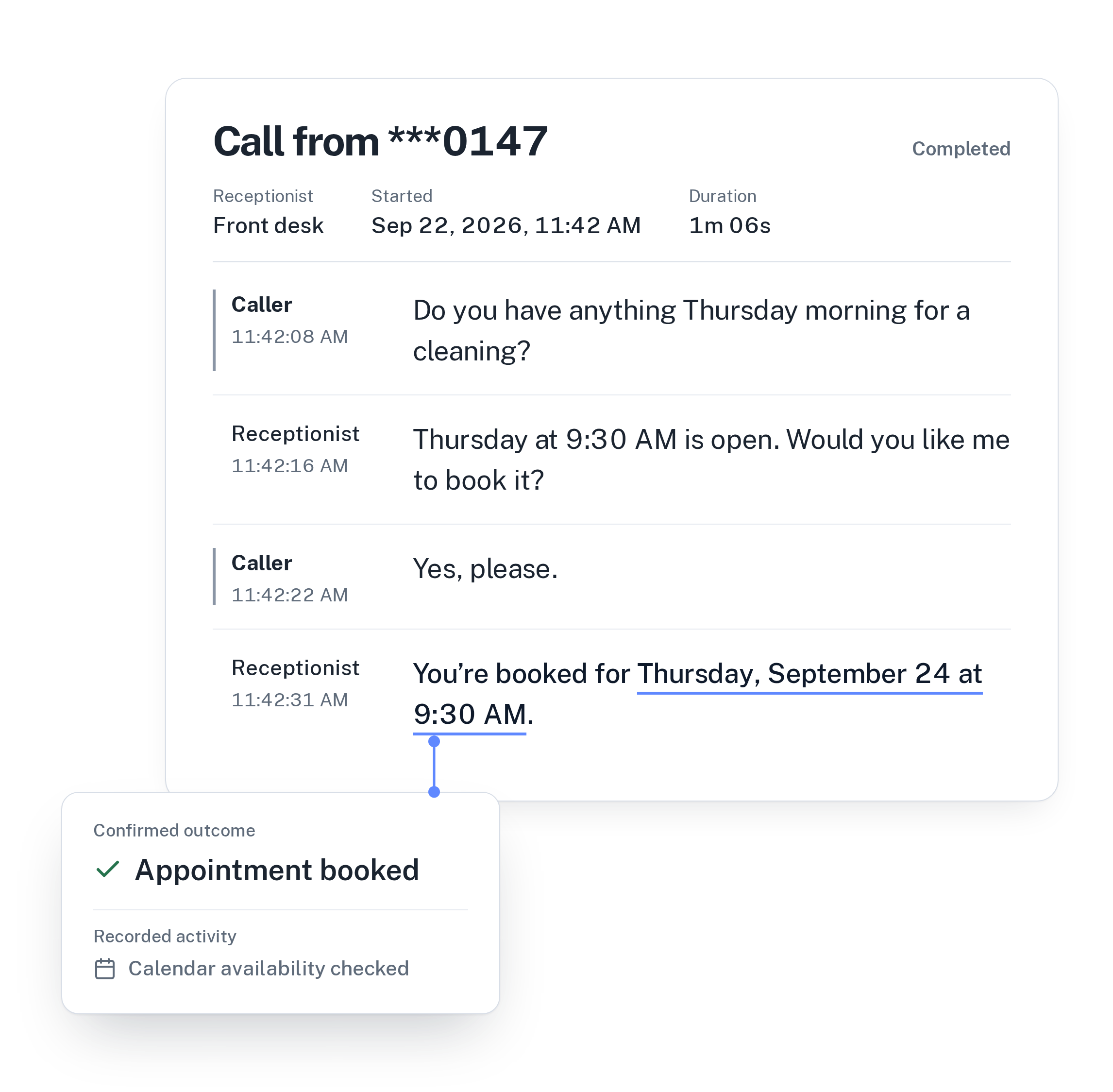
Every call is saved in the call history with its transcript, a summary and the confirmed outcome, such as “Appointment booked” or “Callback requested”. Call analytics show how many calls came in and how they ended.
The list of unanswered questions shows what callers asked that your information didn’t cover. If several people asked whether you open on Sundays or whether you service other brands, approve an answer once and the receptionist uses it on every call after that.
See how it works for garages and dealerships on the automotive page, or compare plans on the pricing page.
Frequently asked questions
Can the AI receptionist tell a caller if a car is in stock?
Not from your live inventory. It doesn’t connect to your dealer management system. It can answer from website pages and facts you approve, and for a specific car it takes a callback request for your sales team or transfers the call if your instructions say so.
Can callers book a test drive at night?
Yes. With Google Calendar, Calendly or Cal.com connected, the receptionist books into your free slots at any hour and confirms only once the booking exists. Calendly needs a paid Calendly plan, and Calendly and Cal.com need the caller’s email.
Can sales and service each have their own receptionist?
Yes. Every plan includes unlimited receptionists. Each phone number connected in WiseUnit is answered by one receptionist, and each receptionist has its own instructions and transfer number.
How much does it cost?
WiseUnit starts from €119 a month excluding VAT, or €99 a month on annual billing, with 1,000 included minutes on Starter. Business is €359 a month, or €299 a month billed annually, with 3,500 minutes.