
Covering the phone while you’re on vacation or off sick
How to keep the phone covered when the person who usually answers is away: a plan for planned vacations, a short version for sick days, and what to do on your first day back.
Two kinds of time off
In a small business, the phone usually depends on one or two people. When the owner of a salon, the service advisor at an auto shop or the front desk at a dental practice is away, calls go to voicemail or ring out, and customers try someone else.
Time off comes in two forms. A vacation is planned weeks ahead, so you can prepare properly. A sick day is not: you find out in the morning and have a few minutes before the first calls arrive. Your AI receptionist can cover both, but the setup is different.
What callers need to hear
Most callers don’t need to know why you are away. They need three things: whether you are available, when you will be back, and what they can do now.
Your AI receptionist answers from the facts you add and approve, so put this in a fact: “Maria is away until Monday, June 15. You can book an appointment from that date, or leave a message and we will call you back.” Keep it short and leave out personal details. “Away” is enough for a sick day too.
If a colleague covers for you, name them in the fact as well, so callers know who will call back or who they will see.
A planned vacation: prepare a week before
For a vacation, go through the setup a few days before you leave. In WiseUnit, changes stay in draft until you publish them, so you can prepare everything, make a test call, and publish on your last working day.
- Add a fact with the dates you are away and the day you are back.
- Block your days off in the Google Calendar, Calendly or Cal.com calendar the receptionist books into, so callers are offered times after your return.
- Decide who gets urgent calls. Each receptionist has one transfer number. Set it to the colleague who covers, and allow transfers outside business hours if they agree to that.
- Describe in the instructions, in your own words, which calls should be put through. Everything else becomes a callback request.
- If nobody covers, say so in the instructions so the receptionist takes a callback request instead of offering a transfer.
Off sick: the short version
On a sick day you don’t want to work through a checklist. Three changes cover most of it: add the “away until” fact with your best guess for the return date, block the day in your calendar, and change the transfer number to whoever is covering, or ask the receptionist in the instructions not to offer transfers today. Then publish.
It helps to prepare this before you need it. Write the sick day fact once, keep it ready, and note the colleague’s number. On the morning itself you only change the date.
Appointments that are already booked
An honest limit: the receptionist books new appointments into free time, but it doesn’t move or cancel the ones already in your calendar. If you are off sick on a day full of appointments, you or a colleague still need to contact those customers.
What the receptionist does is answer the calls that come in about it. A customer who calls to ask whether their appointment is still on hears that you are away, and the receptionist takes a callback request with their reason and the time that suits them, so someone can follow up.
Your first day back
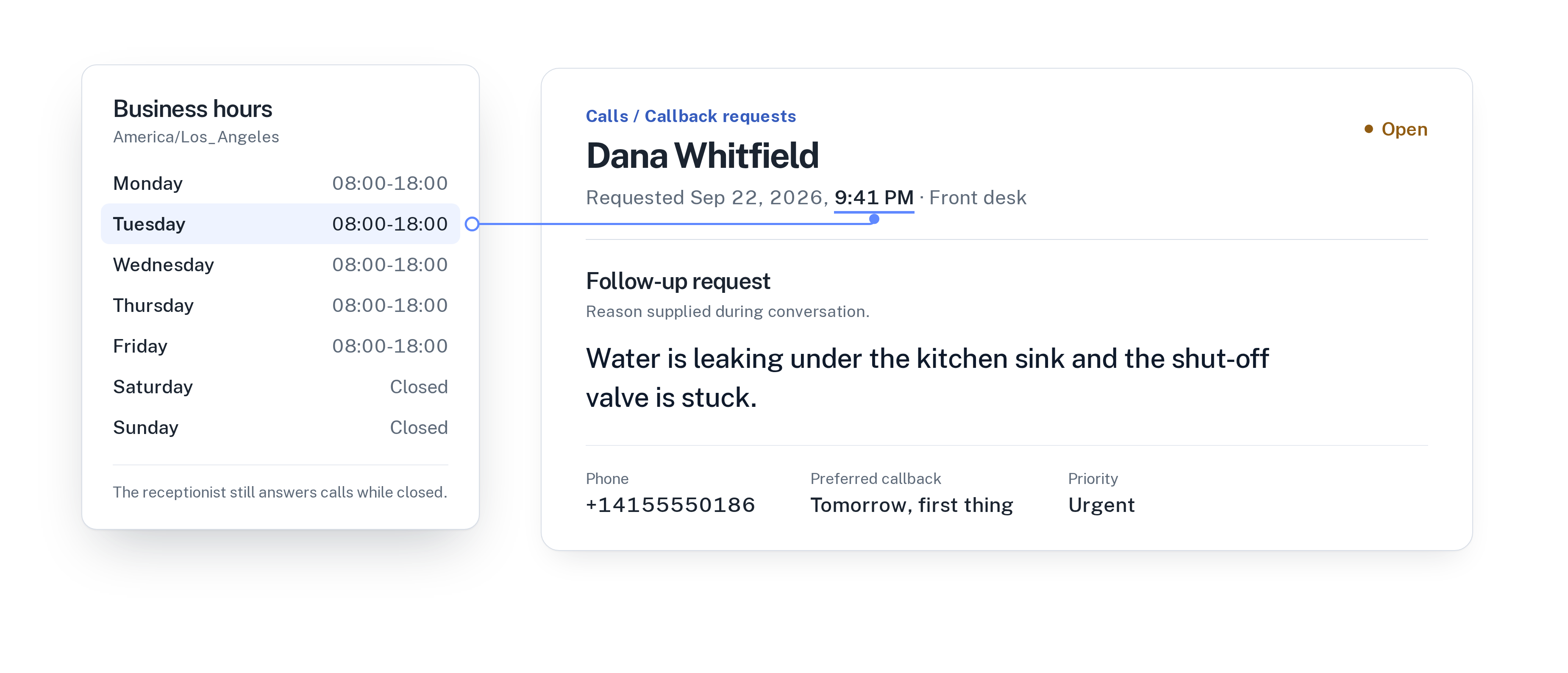
Start with the callback requests, the most urgent first. Each one has the caller’s reason, the time that suits them and a priority, so you know who to call and what about before you dial.
Then look through the call history. Every call has a transcript, a summary and a confirmed outcome: appointment booked, transferred or callback requested. You see what happened while you were away without asking around.
Check the unanswered questions as well. WiseUnit collects questions the receptionist couldn’t answer and turns them into suggested answers for you to approve. Finally, remove the “away until” fact, set the transfer number back, and publish.
Closing the whole business over the holidays is a slightly different case. Read how to answer calls over Christmas and New Year.
Checklist before you are away
Before you leave, or on the morning you call in sick, check that you have:
- Added a fact that says you are away and when you are back.
- Blocked your days off in the calendar the receptionist books into.
- Set the transfer number for whoever covers, or turned transfers off in the instructions.
- Arranged for someone to contact customers with existing appointments.
- Made a test call and published the changes.
- Put a reminder in your calendar to undo it all when you return.
Frequently asked questions
Can callers still book while I’m away?
Yes. With Google Calendar, Calendly or Cal.com connected, the receptionist books into free time in your calendar and confirms only once the booking exists. Block your days off so callers are offered times after you return.
Does the receptionist cancel my appointments when I’m sick?
No. It books new appointments but doesn’t move or cancel existing ones. Callers who ask about an appointment hear that you are away and can leave a callback request.
What does it cost?
WiseUnit starts from €119 a month, or €99 a month on annual billing, excluding VAT, with 1,000 minutes included. Every plan includes unlimited receptionists.