
Holiday closures: how to answer calls over Christmas and New Year
A practical plan for the phone over the holidays: what to tell callers, what they can still book, which calls reach a person, and what to do on your first morning back.
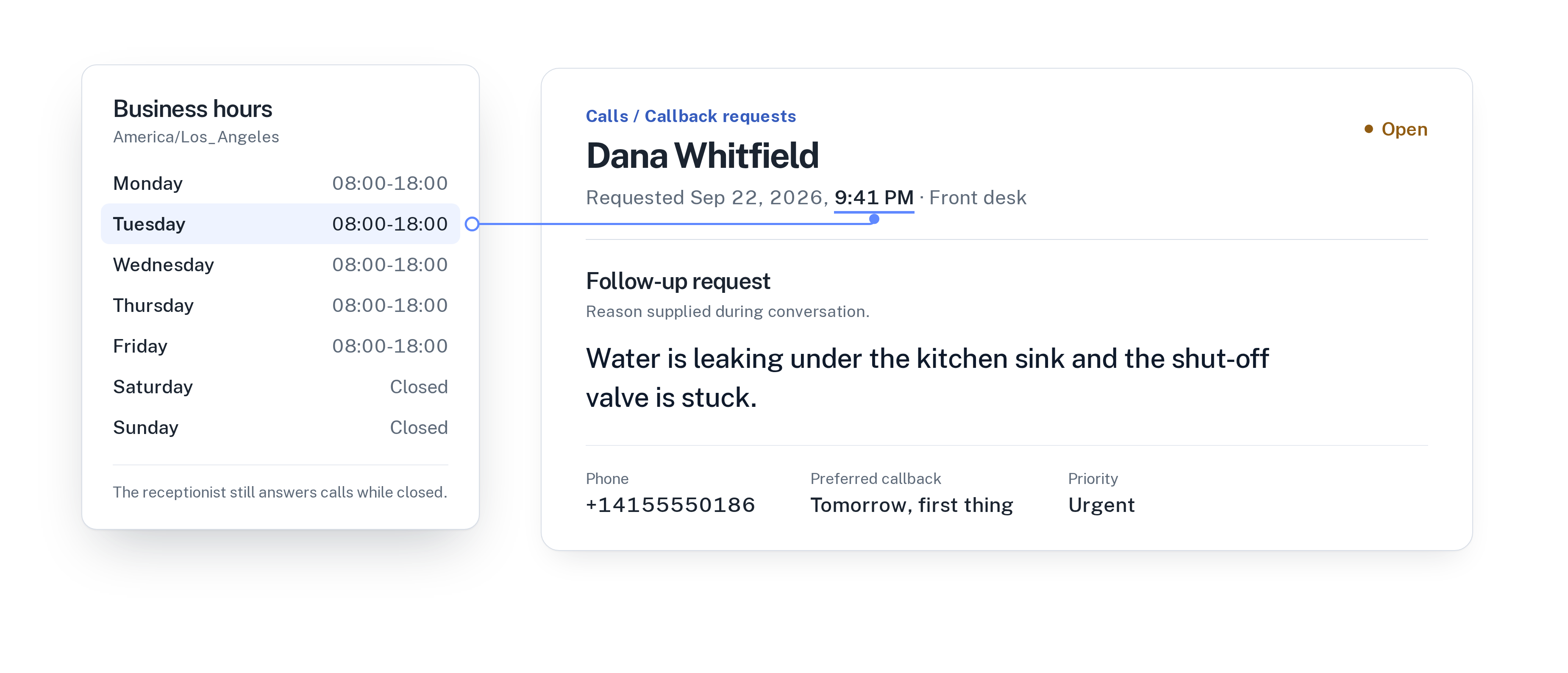
The phone doesn’t take a holiday
Many small businesses close for a week or more between Christmas and New Year. Customers don’t stop calling. They have time off, so they finally deal with the errands they put off: the car service, the dental check-up, the spa voucher they want to give as a present.
Some calls are simple questions. Are you open on December 31? When are you back? Others are bookings for January. A few are real problems that can’t wait a week. If all of them reach voicemail or a phone that rings out, you start the new year with a pile of messages and some customers who have already gone elsewhere.
Write down your holiday plan first
Before you change anything in the product, decide the plan in plain words. It takes ten minutes and makes the setup straightforward.
- The exact dates you are closed, and any days with shorter hours.
- The day and time you open again.
- Whether anyone is on call, and on which phone number.
- What counts as urgent during the closure, for your business.
- What callers can still book, and from which date.
Tell your receptionist the dates
Your AI receptionist answers from the facts you add and approve, so add the closure as a fact with exact dates: “We are closed from December 24 to January 1. We are open again on Monday, January 4, from 8 AM.” Callers who ask whether you are open get a clear answer instead of a guess.
Update your business hours for the closure as well, so those days are treated as closed, and adjust any days with shorter hours. If you want every caller to hear about the closure straight away, mention it in the greeting too.
In WiseUnit, changes stay in draft until you publish them. You can prepare everything in early December, make a test call, and publish on your last working day.
Keep bookings coming in
A closed office doesn’t have to mean a closed calendar. Many holiday callers simply want an appointment in the new year, and they are happy to book it on the spot.
The receptionist books into the free time it finds in your connected Google Calendar, Calendly or Cal.com, and confirms only once the booking exists. So block the closed days in that calendar. A caller on December 28 is then offered a slot from January 4 onwards, and the appointment is already in the calendar when you return.
Decide what still reaches a person
Each receptionist has one transfer number, and you decide whether transfers are allowed outside business hours. If someone is on call during the closure, set the transfer number to their mobile for those weeks and allow after-hours transfers.
Then describe in the instructions, in your own words, what should be put through. For an auto repair shop that might be a customer whose car is still in your workshop. For a dental practice it might be a patient in pain who can’t wait until January. Everything else becomes a callback request with the caller’s reason, the time that suits them and a priority.
If nobody is on call, say so in the instructions and give callers a clear next step. The receptionist still takes every callback request, so nothing depends on someone listening to voicemail.
Your first morning back
On the day you reopen, start with the callback list, sorted by priority. The call history shows every call over the holidays with a transcript and a confirmed outcome: appointment booked, transferred or callback requested. You don’t have to piece together what happened.
Look at the unanswered questions as well. WiseUnit collects the questions the receptionist couldn’t answer and turns them into suggested answers for you to approve. If several callers asked about gift vouchers or opening hours on public holidays, approve an answer once and it is ready for next year.
Finally, undo the holiday setup: remove the closure fact, restore your business hours and the usual transfer number, and publish.
For the evenings and weekends the rest of the year, read how to handle after-hours calls without a night shift.
Holiday checklist
Before your last working day, check that you have:
- Added the closure dates and the reopening date as a fact.
- Updated your business hours for the closed days and any short days.
- Blocked the closed days in the calendar the receptionist books into.
- Set the transfer number and after-hours transfers for whoever is on call.
- Described what counts as urgent during the closure.
- Made a test call and published the changes.
- Put a reminder in your calendar to undo it all when you reopen.
Frequently asked questions
Will callers know that we are closed?
Yes, if you add the closure dates as a fact. The receptionist answers from the facts you add and approve, so it can tell callers when you are closed and when you are back. You can also mention the closure in the greeting.
Can callers still book appointments while we are closed?
Yes. With Google Calendar, Calendly or Cal.com connected, the receptionist books into free time in your calendar and confirms only once the booking exists. Block the closed days so callers are offered slots after you reopen.
What does it cost?
WiseUnit starts from €119 a month, or €99 a month on annual billing, excluding VAT, with 1,000 minutes included. Every plan includes unlimited receptionists.